How to Clean a Window Air Conditioner Without Removing It
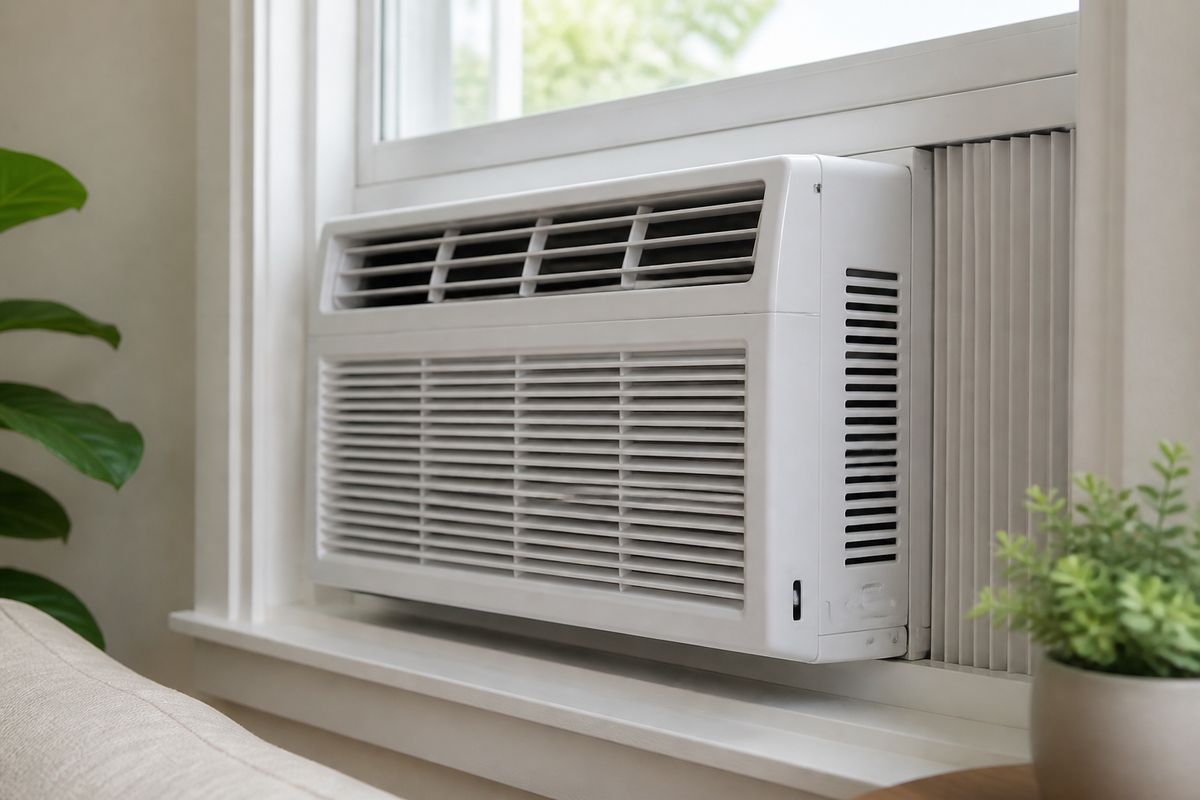
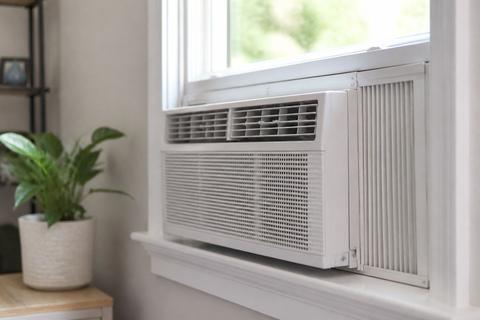
A dirty window AC can turn your bedroom into a warm, musty space, even when the thermostat is set low. If you’re stuck with a unit you can’t easily pull out, how to clean a window air conditioner without removing it is the fastest way to restore airflow and cooling. With the right tools and a careful approach, you can safely clean what’s accessible from the room.
For more help, see our Window Air Conditioner Maintenance: Cleaning and Care Routine guide.
What You Can Safely Clean In Place
Know which parts are accessible from the room
You can clean the components you can reach without opening the cabinet: the room-side air filter (often slides out through the front grille), the front intake/grille area, the louvers, and the vents that blow air into the room. You can also vacuum visible dust from the front intake opening and lightly brush dust off the accessible outer surfaces. Stop at the point where dirt is only reachable through the cabinet’s inner panels—internal electrical parts and refrigerant coil sections that require removing covers can’t be safely cleaned in place.
- Remove the front grille/mesh filter only if it’s designed to slide out from the room side.
- Clean louvers and the outer front with a cloth or soft brush—don’t force anything deeper.
Turn off power and protect nearby surfaces
Before you clean, cut power to prevent shock and to keep water or cleaner from contacting energized parts. Unplug the unit if the cord is reachable; if not, turn off the breaker that feeds the outlet. Then protect surfaces: spread a towel under the front lip inside the room to catch drips from damp cloths and rinses.
- Power off: unplug the AC or switch off the breaker.
- Lay a towel below the front intake area.
- Keep any cleaner or water application on a cloth or brush—never spray directly into electrical areas.
Identify when a deeper service is needed
In-place cleaning is the right choice for dust buildup and mild odor from a dirty filter. You need deeper service if you see persistent mold, if the unit still leaks water indoors after cleaning, or if airflow remains weak even with a clean filter and unobstructed vents. If you suspect an internal blockage in the drain path or heavy coil fouling that you can’t reach from the room side, don’t remove more panels without the model manual.
- If you still smell mildew strongly after filter and grille cleaning, deeper mold removal is needed.
- If the unit runs but won’t cool after a clean filter and proper startup delay, internal issues may be present.
Deep Clean the Filter, Front Panel, and Vents
Remove and wash the reusable filter
Start with the filter because it directly controls airflow and cooling. Most window units use a reusable mesh filter you slide out from the front grille. Rinse it with lukewarm water, then clean with mild dish soap if it’s greasy or coated with dust. Avoid harsh chemicals and don’t use a pressure spray that can bend the mesh. Let it dry completely before reinstalling.
- Slide the washable filter out of the front grille from the room side.
- Rinse both sides until water runs clear.
- Wash lightly with mild dish soap if dusty or oily.
- Shake off excess water and air-dry fully (upright if possible).
Vacuum dust from the front grille and intake area
With the filter removed, dust that once stuck to the filter is visible deeper in the intake path. Use a vacuum with a narrow crevice attachment to pull out lint, hair, and fine debris without pushing it farther into the unit. Focus on the front grille openings and the intake area where air enters the cabinet. If you have stubborn residue, use a soft, dry brush to lift it, then vacuum again.
- Attach the narrow nozzle to your vacuum.
- Vacuum the grille and intake openings in short passes.
- If dust is packed, brush gently first, then vacuum the loosened debris.
Clean the louvers and outer casing without soaking anything
The louvers and casing collect dust and fingerprints and can affect airflow direction. Wipe them using a damp microfiber cloth, then follow with a dry cloth so water doesn’t run back toward the grille. Use a gentle approach around seams and corners where moisture can get trapped. Keep any cleaning solution on the cloth—not sprayed—so it doesn’t drift into controls or electrical areas.
- Wipe louvers and the outer front with a lightly damp cloth.
- Dry immediately with a clean towel or microfiber.
- Remove visible grime from vent edges, then stop—don’t soak seams or controls.
Clean the Coils and Drain Area Without Taking the Unit Out
Use a soft brush and a vacuum with a narrow attachment
To clean coils in place, focus on dust you can reach from the front openings. A soft brush dislodges surface lint, while the vacuum removes it immediately so it doesn’t resettle. Don’t dig into tightly packed fins with metal tools—bending fins makes airflow worse. Work slowly and keep suction at the nozzle tip so loosened debris gets collected.
- Use a soft brush to gently sweep dust from accessible coil surfaces.
- Vacuum right after brushing to remove dislodged debris.
- Stop if you feel resistance—don’t force bristles between fins.
Apply a coil-safe cleaner sparingly
If the intake area looks oily or there’s a persistent odor tied to buildup, use a coil-safe cleaner sparingly only where you can apply it without soaking. Apply to a cloth, brush, or directly onto accessible surfaces from a short distance—never flood the cabinet. After applying, wait a few minutes per the product label, then wipe away residue and remove loosened dirt with a vacuum or dry cloth.
- Use a coil-safe cleaner meant for AC condenser/evaporator coils.
- Apply lightly to a cloth/brush or targeted surface—no soaking.
- Wipe away excess and vacuum loosened grime.
Clear the drain path and check for trapped moisture
A clogged drain can cause water indoors or musty smells. Without removing the unit, you can clear accessible drain paths by focusing on the area where condensate exits the cabinet. Use a wet/dry shop vac on low suction near the drain opening if accessible, or gently flush the drain area with a small amount of clean water—only if the unit is tilted correctly and no water is backing up inside.
- Look for signs of trapped moisture inside the cabinet opening area.
- If you can access the drain opening, use low-suction vacuum to pull out debris.
- Ensure the unit is tilted correctly toward the outside (slightly), so condensate drains outdoors.
Improve Airflow and Cooling After Cleaning
Dry all surfaces fully before restarting
Moisture inside the unit can interfere with sensors, create mildew, or cause unpleasant smells. After cleaning and any damp wiping, dry visible surfaces: let the filter air-dry completely, and ensure the grille and front intake area are dry before you plug the unit back in. If you used any cleaner, remove residue with a dry cloth and allow extra drying time.
- Reinstall only a fully dry filter.
- Wipe the front grille and intake area dry with a microfiber towel.
- Leave the unit powered off until all damp areas are dry.
Check for ice buildup, weak airflow, or odors
Cooling problems after cleaning often come from clogged airflow paths, refreezing coils, or startup delay. Most window units enforce a compressor-protection delay after power interruption—fan may run while cold air stays delayed. If you see ice, switch to fan-only mode until the ice melts completely, then clean the filter again. Persistent odors that don’t improve after filter/grille cleaning point to deeper mold inside.
- After restart, allow the normal compressor restart delay before judging cooling performance.
- If the coil is iced over, run fan-only until fully melted, then revisit the filter cleaning.
- If odors persist strongly, the issue is likely deeper than the front components.
Set a realistic maintenance schedule for the season
To keep airflow strong and reduce noise buildup, tie cleaning to usage patterns. Clean the filter every 2 to 4 weeks during heavy use, and do a deeper in-place clean at the start and mid-point of the cooling season. If you live with pets, smoke exposure, or dusty outdoor conditions, tighten the filter interval so the unit never runs with a restricted intake.
- Clean the filter every 2 to 4 weeks during heavy cooling.
- Do an in-place deep clean at the start and around mid-season.
- If dust builds quickly, shorten the filter interval rather than waiting.
Make a Window AC Safer and Quieter in the Bedroom
Reduce vibration with proper support and padding
Noise in a bedroom often comes from vibration through the window frame. Make sure the unit is seated firmly and supported as designed, without rocking. If there are small gaps that let the chassis rattle, add appropriate padding designed for window AC support (not loose fabric). Avoid blocking vents with materials that can buzz or hold moisture.
- Ensure the unit is level and firmly supported by its bracket points.
- Add solid padding at contact points that cause rocking or rattling.
- Don’t block the airflow intake or vent louvers with padding or curtains.
Seal gaps to limit noise and warm-air leaks
Air leaks around the sides can increase heat load, making the AC work harder and cycle more noisily. Use window AC side seals designed for window units, or foam/insulating strips placed where the chassis meets the window frame—never anywhere that blocks airflow paths. A better seal improves cooling efficiency and often reduces the “hissing” or fluctuating noise caused by increased load.
- Install side seals along the gaps between the unit and window frame.
- Keep insulation away from the front intake grille and louvers.
- Replace worn seals so they don’t rattle or peel.
Choose simple sound-reducing habits that help at night
Even with a clean unit, night noise can come from fan speed choices and airflow restrictions. Use a lower fan setting once the room is at a comfortable temperature and avoid frequent on/off cycling. If the unit has an “Sleep” or low-noise mode, use it according to the manual. Keep blinds/curtains from pressing against the grille.
- Use low fan after the room reaches temperature.
- Use Sleep/low-noise mode if available.
- Keep curtains and side panels from touching the intake grille.
Window Setup Tips That Affect Maintenance
Secure the unit without damaging the window frame
A secure installation prevents rocking, which reduces wear and keeps the unit from fighting airflow restrictions. Use the installation kit parts that came with the unit to anchor the chassis correctly. Tighten to the point where the unit is stable, not so tight that it warps the frame or cracks trim. A proper tilt toward the outside also helps drainage and reduces indoor moisture that feeds odors.
- Anchor using the included mounting rails/brackets and hardware.
- Adjust tightness so the chassis doesn’t move when you gently press the front frame.
- Maintain the correct slight tilt toward the outside for drainage.
Use covers only when the AC is off for the season
Seasonal covers protect from debris, but they can trap moisture if used while the unit is operating or if the unit isn’t fully dried. Only install covers once the cooling season is over and the unit is cleaned and dry. Remove covers before the next season so air can move freely and the filter can be cleaned.
- Clean and dry the unit thoroughly before installing any end-of-season cover.
- Cover only during the off-season, not during active summer operation.
- Remove the cover before powering the unit on again.
Work around curtains and side panels without blocking airflow
Curtains and side panels can interfere with intake and exhaust airflow, making the unit run longer and accumulate dust faster. Position curtains so they stay below the grille line or pulled to the sides. If you use side panels, ensure they don’t cover the intake opening or restrict the airflow path around the unit sides.
- Keep curtains away from the front intake grille and louvers.
- If side panels are used, verify they don’t touch or seal over the vents.
- Maintain clear airflow space so dust doesn’t pack into the intake.
When to Remove the Front Cover or Call for Help
Find the model-specific release method for the front panel
Some window AC models require pressing release tabs or removing specific screws before the front cover lifts away. Use the manual for your exact make and model—generic instructions can break clips or expose wiring you shouldn’t touch. If you don’t have the manual, search for it by model number, then follow the steps for front-panel removal and safe access.
- Locate the model number label and open the model manual instructions.
- Release only the tabs/screws specified for your unit.
- Stop if the panel won’t move without forcing—don’t yank.
Spot signs of mold, electrical issues, or internal blockage
Mold signs include visible black/green growth, damp odor that returns quickly, and residue on internal surfaces beyond the filter. Electrical concerns include burning smells, tripped protection, sparking, or an LCDI power cord that won’t reset. Internal blockage can show as poor airflow plus water pooling indoors or abnormal bubbling sounds.
- If you see mold deeper inside, deeper cleaning is needed beyond in-place front components.
- If the unit triggers electrical protection repeatedly, do not open further—seek service.
- If water leaks inside with normal filter airflow, the drain path or pan may be blocked internally.
Know when professional cleaning is the safer choice
Call for professional cleaning when you need access to internal coils beyond the front opening, when you find mold that extends beyond accessible areas, or when the unit still performs poorly after basic cleaning. Also call if there’s an error code that points to sensor or refrigerant-related problems—opening deeper components won’t fix those safely. For sealed-system refrigerant issues, a technician must handle repairs.
- If odors or leaks remain after a thorough filter/grille clean, schedule service.
- If you see electrical warning behavior or repeated protection trips, stop DIY and call a technician.
- For sealed-system refrigerant or internal fault codes, rely on a professional.
Frequently Asked Questions
Can you clean a window air conditioner without removing it from the window?
Yes, you can clean most important parts in place, including the filter, front grille, vents, and accessible coil surfaces from the room side. For heavy buildup, mold that extends beyond the accessible front components, electrical access, or a clogged internal drain path, deeper service may be required. Stick to damp wiping, vacuuming, and brushing/dislodging dust you can reach safely without opening electrical covers.
How often should I clean a window AC?
Clean the filter every 2 to 4 weeks during heavy use to keep airflow strong. Do a deeper in-place cleaning at the start and middle of the cooling season to remove dust that collects on the grille, louvers, and accessible coil areas. If you notice odors or reduced cooling quickly, clean the filter sooner rather than waiting for the next scheduled interval.
Can I spray water directly into a window air conditioner?
No—avoid spraying water directly into the unit, especially near controls and electrical areas. Water can run into places that should stay dry and can worsen odors if moisture remains trapped. Instead, use a vacuum, damp microfiber cloth, and coil-safe cleaner sparingly applied to a cloth or brush, keeping moisture away from wiring and controls.
What if my window AC is loud in the bedroom?
Start by checking loose mounting and window support, because vibration is a major cause of bedroom noise. Then clean the filter and vacuum the intake/grille area to remove airflow restriction, which forces the fan and compressor to work harder. Also check for airflow obstructions from curtains or side panels—clean airflow often reduces strain and noise, though older units may still be louder than newer models.
How do I know when I need to remove the front cover?
You may need the front cover if the filter, grille, and accessible areas stay dirty after cleaning, or if you suspect mold deep inside beyond the front intake path. Use the model manual for the correct release points and safe order of removal—front panels use different clip/screw layouts by brand and model. If you find signs of internal electrical issues or internal blockages, professional cleaning is the safer choice.