GE Window AC Filter Reset: Clear the Light After Cleaning
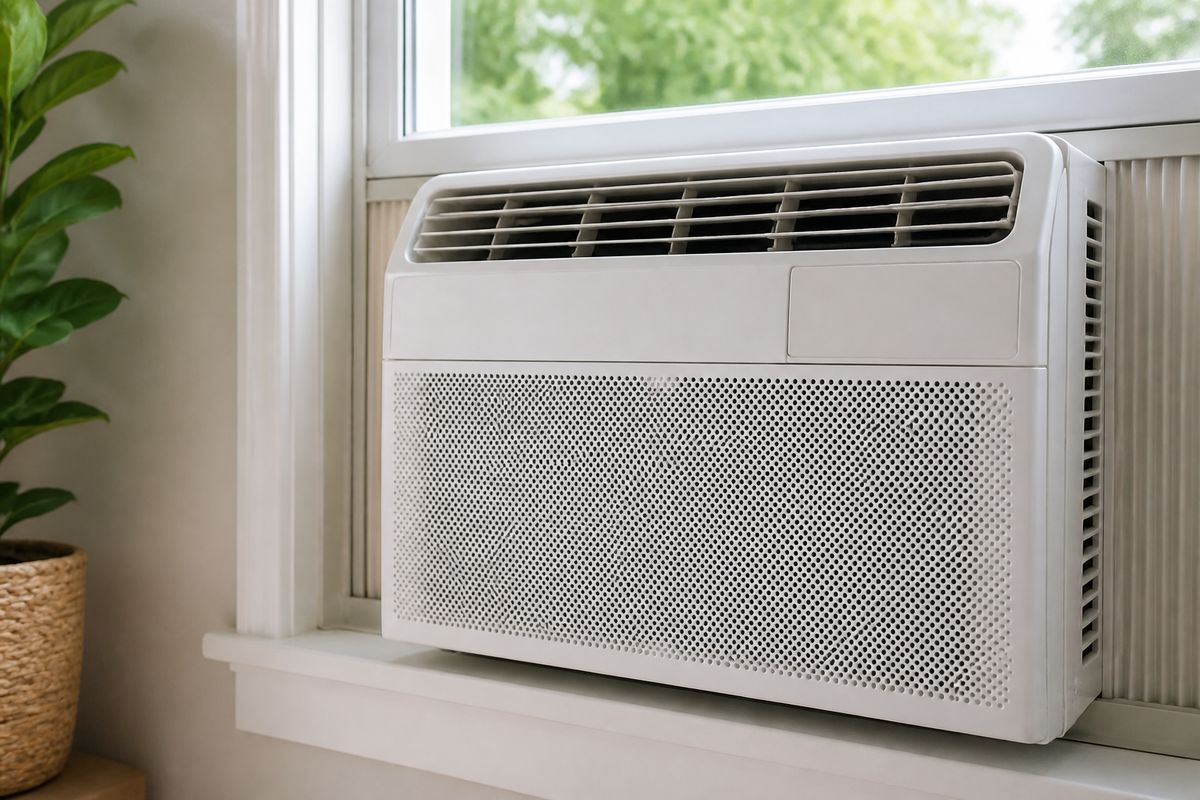
Your GE window AC filter light comes on just when you need cold air fast—and after you clean the filter, it can be frustrating when the indicator won’t clear. A proper ge window ac filter reset should remove that reminder so the unit runs normally again. Follow the steps below to clean correctly and reset the light using your model’s control panel.
For more help, see our Window Air Conditioner Not Working: Diagnose Every Common Cause guide.
What the filter light means
Why the indicator turns on
The filter light is a maintenance reminder that counts operating time (run-hours) to help you stay on top of airflow. When the indicator activates, the control system expects that you’ll clean the filter so air can pass through without restriction. A restricted filter increases dust on the coil, reduces cooling performance, and can shorten component life by making the unit work harder than it needs to. Clean-filter reminders are designed to prevent performance issues, not to diagnose a specific breakdown immediately.
When it is safe to reset the light
Reset the filter reminder only after you’ve removed the front grille, pulled out the filter, washed it, and let it fully dry before reinstalling. The safest approach is to turn the unit off, unplug it if you’re working near the grille, then reassemble and power back on. If the filter is still damp, airflow can trap moisture and leave residue that clogs quickly. Once the filter is seated firmly and the grille is closed, you can clear the reminder using the Filter Reset control for your model.
How this differs from a real fault code
A filter light is not a fault diagnosis—it is a scheduled reminder. Fault codes usually indicate a sensor problem, a protection condition, or a control error and often come with specific codes on the display (for example, temperature sensor, refrigerant leak detection, or another internal issue). With a filter reminder, you should be able to correct the condition through cleaning and resetting. If the unit shows a separate error code (not just the filter indicator), follow the manual for that code instead of treating it like a filter-only problem.
Clean the filter the right way
Remove the front grille without damaging clips
Start by switching the unit off and unplugging if your model allows easy access to the filter panel. Release the front grille carefully: GE window units commonly use spring clips around the edges rather than screws. Insert a flat plastic tool at a clip location, press the clip inward slightly, and pull the grille forward just enough to free each clip—do not force the corners, which can crack the grille or break the clip tabs. Set the grille aside so the foam seals don’t get bent.
Wash, dry, and inspect the filter
Remove the filter and rinse it under running water to remove dust and lint. Wash gently with mild soap if needed, then rinse thoroughly so no residue remains. Dry the filter completely before reinstalling—use air-drying on a clean surface until fully dry to the touch. During inspection, look for tears in the mesh and check that the filter frame is straight, since warped filters won’t seal correctly and can bypass airflow. Reinstall the filter flush in its track so the reminder reset reflects true airflow restoration.
Check for dust buildup around the coil and intake
Cleaning the filter alone isn’t enough if dust has already migrated forward into the intake area. Use a soft brush attachment on a vacuum to remove dust around the air intake opening and the visible edges near the coil. If you see debris clinging to the coil surface, remove loose particles carefully—do not bend fins. This step matters because airflow restriction after a “clean” filter typically means the coil intake is still clogged, and that’s when the filter light may reappear quickly or cooling performance stays weak.
Reset the filter reminder on a GE window AC
Find the Filter Reset button or indicator
Look for a dedicated Filter Reset button near the control panel, often labeled “Filter,” “Filter Reset,” or shown next to the filter icon light. On some models, the indicator is the reminder and the reset is done by pressing the Filter Reset button for a set number of seconds. If your model uses an electronic display, the filter icon may blink while the unit is running. Use the control-panel labeling on the front of the unit first, then verify in your GE manual if multiple buttons exist and labels aren’t clear.
Use the control panel to clear the reminder
After cleaning and reinstalling the filter, power the unit on (or leave it on if you already restarted). Press and hold the Filter Reset button for the duration your panel requires—commonly a short hold of a few seconds—until the filter icon light turns off or the display acknowledges the reset. Release the button and allow the unit to continue running normally. If the control panel has a separate “Filter” button, press it once to enter filter reset mode, then complete the reset action as directed by the panel label or manual.
What to do if the light stays on
If the filter light does not clear, the reset action likely didn’t register or the filter isn’t seated correctly. First, confirm the filter is installed straight in its guide and the grille is fully closed without gaps. Then power the unit off and wait about 3 minutes (many GE window units enforce a compressor-protection delay after power cycling). Turn the unit back on and press the Filter Reset button again using the same duration as before. If it still won’t clear, go to the model-specific power-cycle procedure in the next section.
If your GE model does not reset normally
Power-cycle the unit safely
Do a full power-cycle: turn the unit off, unplug it, and leave it unplugged for at least 5 minutes to clear the control’s working state. This helps when the filter reminder latch doesn’t clear due to a temporary control glitch. After the wait, plug the unit back in, turn it on, and press the Filter Reset control again. Avoid repeated rapid on/off switching—most window units protect the compressor with a delay so you don’t end up misreading normal fan-only operation as a problem.
Look for model-specific button combinations
Some GE window AC models require a button sequence rather than a single Filter Reset button. Check the control panel for a “Lock” or “Set” function and follow the manual’s exact sequence for filter maintenance reset. Use only the labeled buttons on your unit—don’t guess combinations. If your model has multiple modes (Cool/Fan/Heat) and an electronic display, the reset often happens in a specific mode or by holding a specific button long enough to change the display status.
When a service issue may be hiding behind the light
If the filter indicator stays on after proper cleaning, correct installation, and the documented reset procedure, the unit can have a control-panel or sensor input issue that prevents the reminder from clearing. In that case, check whether any other indicators or codes appear on the display. If you see additional fault codes, prioritize the manual’s fault troubleshooting steps for that code rather than continuing to reset repeatedly. Persistent non-reset behavior after following the exact procedure is a sign to contact service or request a tech inspection.
Common confusion with other window AC brands
How LG and other brands handle clean-filter reminders
LG and several other brands also use clean-filter reminders, but their reset controls differ. LG window units often require a dedicated reset sequence, sometimes involving holding a button while the unit is in a particular mode, and some display filter alerts with codes or icons that behave differently than GE’s simple filter light. Because the reset method depends on the control logic, using GE’s button steps on a non-GE model will not clear the alert. Always match the reset procedure to the exact brand and model number.
Why replacement filters are not the same as a reset
Replacement filters solve the airflow problem, but they do not automatically clear the maintenance reminder unless the unit is reset correctly. The reminder is a counter/indicator tied to maintenance actions, not a detection of filter presence. If you swap a filter and the light stays on, the unit is still counting down from when it last reset or detecting a maintenance state that you haven’t cleared. The correct order is: install the correct filter, then use the unit’s Filter Reset function as directed.
Avoid mixing up maintenance alerts with temperature settings
Maintenance alerts can look like normal display messages, so it’s easy to confuse a filter reminder with temperature or mode settings. Filter icons generally relate to airflow and appear independently of cooling temperature adjustments. If your unit has a remote or touch controls, avoid pressing random buttons thinking they are a “reset” just because they change the display. Follow the label (Filter / Filter Reset) or manual sequence—temperature changes won’t clear a filter reminder.
Keep the reset light from coming back too soon
Set a practical cleaning schedule
A filter reminder typically corresponds to a run-hour interval; reset the light only when you actually clean the filter. Then set a schedule based on your environment: run-heavy use, indoor pets, construction dust, and allergy seasons mean you should inspect the filter more frequently than the default reminder. If you notice the filter looking gray or clogged early, clean sooner so dust doesn’t migrate into the intake and coil. After cleaning, reset once—don’t reset repeatedly without addressing airflow restriction.
Improve airflow around the window unit
Airflow problems often come from blocked intake or poor room circulation, which makes the unit pull harder and dirty the system faster. Keep curtains, furniture, and rugs from blocking the front intake vents. Ensure the unit is installed with proper tilt so condensate drains outdoors; reversed tilt can lead to internal moisture problems that worsen dust adherence. Also confirm the window area around the unit doesn’t restrict side vents or airflow pathways defined by the chassis.
Signs the filter needs attention before the reminder appears
You don’t have to wait for the light if performance changes. Early warning signs include weaker cooling, increased noise from the fan, a musty smell as dust heats, or visible discoloration of the filter that looks clogged. If the coil area near the intake looks dusty through the front grille, clean promptly even if the reminder hasn’t triggered yet. Addressing airflow restriction early helps prevent repeated clogs that cause the unit to run longer and trigger the maintenance reminder again quickly.
Frequently Asked Questions
How do I reset the filter light on a GE window AC?
After cleaning and reinstalling the filter, use the unit’s Filter Reset button or on-panel reset function to clear the reminder. If your model does not have a dedicated button, follow the exact control panel sequence listed in your GE manual. In many cases, pressing and holding “Filter Reset” for the required seconds until the filter icon turns off is all it takes—provided the filter is seated flush and the grille is fully closed.
Can I reset the filter light without cleaning the filter?
You can reset it, but you should not. The light is a maintenance reminder tied to airflow performance, and resetting without cleaning keeps dust in place. That restriction reduces cooling and forces the unit to work harder, which can increase energy use and lead to more dust accumulating on the coil. The correct approach is clean the filter first, dry it completely, reinstall it correctly, then reset the light.
Why is my GE window AC filter light still on after reset?
The reset may not have registered, the filter may not be seated correctly, or your model may require a longer power-off cycle. First, remove the grille, confirm the filter is installed straight in its track, and close everything fully. Next, power-cycle the unit by unplugging for several minutes, then power back on and press the Filter Reset control again. If the light still doesn’t clear, check for a model-specific button sequence in your manual.
Do I need a special replacement filter for a GE window AC?
Usually no. Most GE window AC units use a washable or reusable filter rather than a disposable replacement, but you should verify your specific model using the filter type shown in your manual. If your filter is designed to be reusable mesh, rinsing and fully drying it is the proper maintenance method. If your model uses a different filter type, follow the exact replacement or cleaning instructions for that filter design.
Is a filter reset the same as a system reset?
No. A filter reset clears the maintenance reminder only. A system or power reset is used to recover from control issues or general lockups, not to clear the filter indicator. If the unit has a separate fault code, you need to address that underlying issue according to the manual. Use Filter Reset for the filter light, and use power-cycle recovery for control-related problems.